
Multi-instance
Run several Android apps in parallel, each in its own virtual display, all from a single connected device.
TabDesk is the multi-instance scrcpy GUI for macOS and Windows. Open any Android app in its own tab, switch instantly, and keep them all running side by side. No emulator, no command line.
Free on one device · macOS & Windows · Built on top of scrcpy
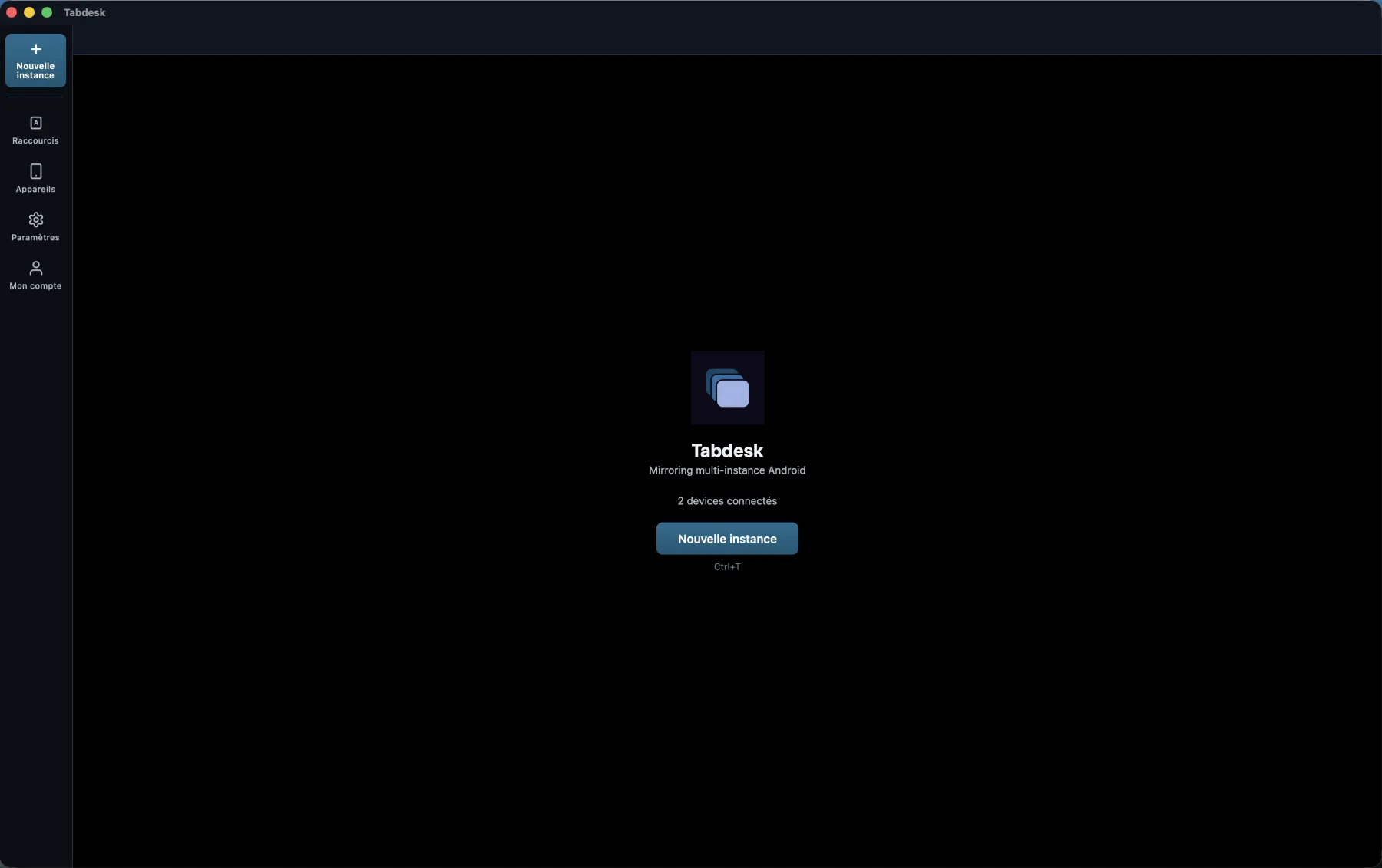
Multi-instance mirroring, multi-user detection, and a tabbed interface, all bundled in a single zero-install app.
Run several Android apps in parallel, each in its own virtual display, all from a single connected device.
Auto-detects every Android user space, Work Profile, Xiaomi Second Space, Samsung Secure Folder, Shelter, Island.
Chrome-style tabs make switching between mirrored apps as natural as switching browser tabs.
Decoded with WebCodecs and rendered in-app, no extra scrcpy windows scattered across your desktop.
Draw zones on the screen and bind them to keys, with long-press support. Built for mobile games and power users.
Ultra (4K · 60 fps) down to Low (540p · 30 fps), plus a fully custom preset to balance quality and CPU.
Most mirroring tools only see the apps installed on your main user. TabDesk scans every Android user space, including hidden ones, and lists each app once per account. Want WhatsApp from your Work Profile and your personal user side by side? One click each.
€0 forever
€2.99 / month
or €29.99/year save 17%
| TabDesk | scrcpy CLI | Vysor | BlueStacks | |
|---|---|---|---|---|
| Runs on a real device | ✓ | ✓ | ✓ | Emulator |
| Multi-instance built-in | ✓ | Manual | — | Limited |
| Detects multi-user spaces | ✓ | — | — | N/A |
| Tabbed interface | ✓ | — | — | — |
| macOS & Windows | ✓ | ✓ | ✓ | Limited macOS |
| No command line | ✓ | — | ✓ | ✓ |
Multi-instance Android mirroring lets you open the same physical device multiple times on your computer, with a different app running in each window. TabDesk uses a separate virtual display per app so they truly run side-by-side, not just stacked one in front of the other.
No. TabDesk bundles scrcpy-server and adb inside the app, so a single download is all you need on macOS and Windows.
Yes. TabDesk only requires USB debugging to be enabled on your Android device, no root, no custom ROM, no jailbreak.
Yes. If you have WhatsApp installed in two Android user spaces (e.g. main user and Work Profile, or Xiaomi Second Space), TabDesk shows both as separate launchable apps and lets you open them in two parallel tabs.
TabDesk is free for one connected device, and includes multi-instance, multi-user detection and the full performance presets. The Pro plan (from €2.99/month, or €29.99/year) unlocks multi-device support and customizable keyboard shortcuts.
TabDesk works with any Android device that supports the scrcpy protocol (Android 5 and later). Multi-user detection is tested on stock Android Work Profile, Xiaomi Second Space (XSpace), Samsung Secure Folder, Shelter and Island.